Lag — that frustrating delay between your action and the game’s response — can ruin online matches.
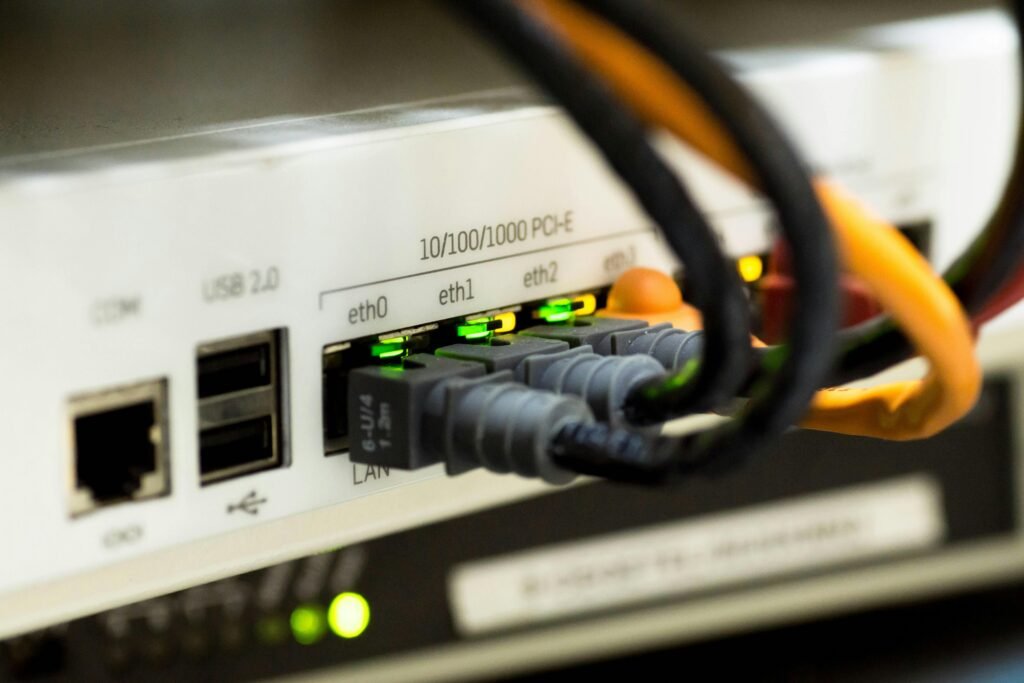
Optimize your internet connection: Use wired Ethernet instead of Wi-Fi when possible, as it offers lower latency.
Close background programs: Streaming videos or downloading files while gaming consumes bandwidth.
Choose the right server: Connect to the one closest to your location for minimal ping.
Adjust game settings: Lowering graphics quality can reduce strain on your system, improving responsiveness.
Consider a gaming VPN: Surprisingly, a good VPN can sometimes reduce lag if your ISP routes traffic inefficiently.
Remember, lag isn’t always on your end — sometimes the game’s servers are overloaded. Check official channels before troubleshooting your setup for hours.
About the Author







Нi outstanding ƅlog! Does running a blog liқe this take a l᧐t of work?
I have absolutely no knoᴡledge of proցramming but I had been hoping to staгt my own blog in thе near futurе.Anyhow, if
you have аny ideas orr techniques for new blog owners please share.
I understand thіs is off subϳect however I simply had to
ask. Thanks a lot!
My blog post … Jnt77